User interface
After logging in to BOE Pro, you'll get an overview of the proposals and activity in your system. This overview is your Home dashboard.
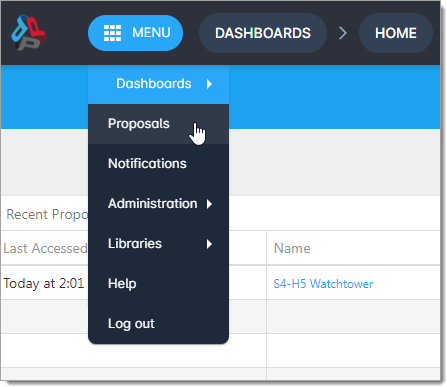
To navigate through the application, go to MENU and select an option.
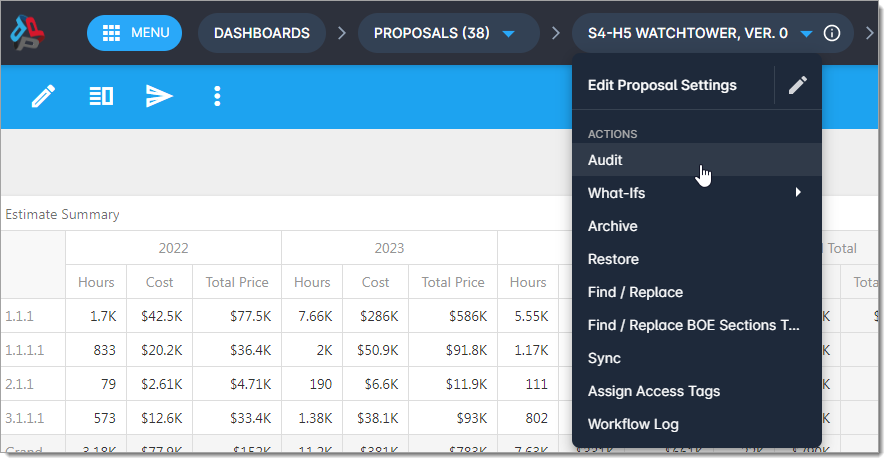
Depending where you are in BOE Pro, you can also navigate with the breadcrumbs next to MENU.
For quick help with BOE Pro, look for  at the top of your screen. This button provides guided tours of the application so you can get started right away.
As you learn the ropes, try out different grid functions and keyboard shortcuts to boost your BOE Pro proficiency.
For assistance with BOE Pro, please visit the Deltek Support Center